
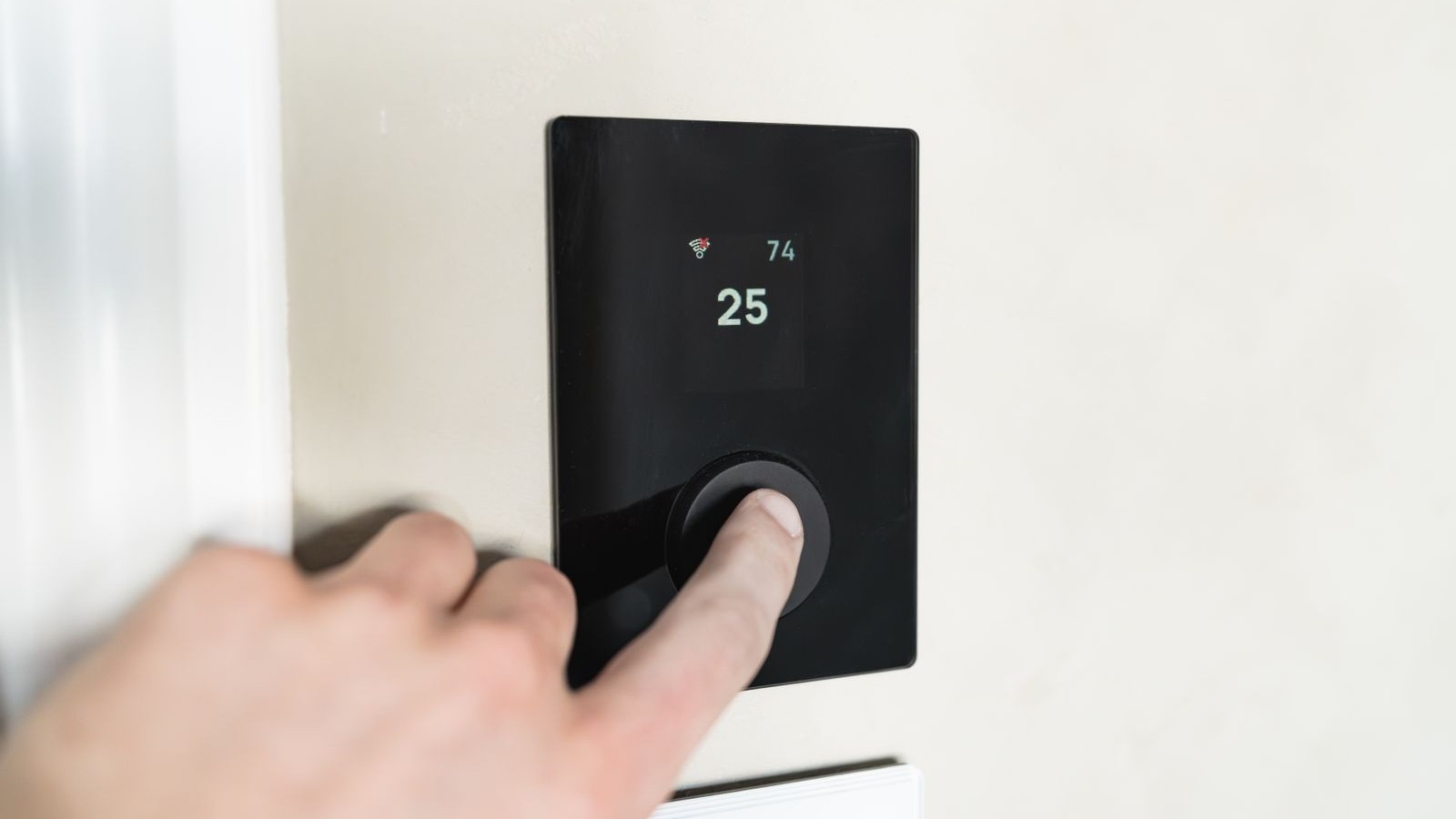
Smart Thermostat, Same Bill: The Fan Setting and Schedule Cape Coral Homeowners Get Wrong After a Nest or Ecobee
You bought the smart thermostat. You watched the install video, snapped it on the wall, connected it to Wi-Fi, and waited for the savings everyone promised. Two months later the FPL bill looks exactly like last summer's.
Here's the frustrating part: the thermostat is almost certainly working fine. Nest and Ecobee are good equipment. The problem is that a smart thermostat only saves money if the settings underneath it are right — and there are two settings that Cape Coral homeowners get wrong constantly. One of them can actually make your bill worse and your house feel more humid than before you upgraded.
Let's fix both.
Mistake #1: Leaving the Fan on "On" Instead of "Auto"
This is the big one, and it costs Florida homeowners more than anywhere else in the country.
Your thermostat has a fan setting with two options. Auto means the blower only runs when the system is actively cooling. On means the blower runs 24 hours a day, whether the compressor is cooling or not.
"On" sounds appealing. More air movement, more even temperatures, better filtration — that's the pitch, and in a dry climate there's something to it. In Cape Coral it backfires, and here's the mechanism most people never hear:
When your AC runs, it pulls moisture out of the air. That water condenses on the cold evaporator coil in your air handler and drips into the drain pan. But it doesn't all drain instantly — a film of water sits on that coil for several minutes after the compressor shuts off. If the fan keeps blowing, it pushes air across that wet coil and evaporates the water right back into your house.
You paid to remove that humidity. Then you paid to put it back.
The result is a home that reads 75 on the thermostat but feels sticky and cool-clammy instead of dry and comfortable. Then you drop the setpoint to 73 chasing comfort, the system runs longer, and the bill climbs. Meanwhile the blower motor itself draws power continuously — running a fan 24/7 instead of roughly 8 hours a day adds real dollars to a monthly bill on its own.
The fix: set the fan to Auto and leave it there. On a Nest it's under Settings, then Fan. On an Ecobee, look for Fan Mode and set it to Auto, then check Fan Min Runtime separately — Ecobee lets you force a minimum number of fan minutes per hour, and homeowners often set that to 20 or 30 minutes without realizing it recreates the same humidity problem on a smaller scale. In Southwest Florida, set fan minimum runtime to 0.
Give it about a week. Most homeowners tell us the house feels noticeably drier at the same thermostat setting.
Mistake #2: A Schedule With Big Temperature Swings
The second mistake comes from good advice that just doesn't travel well to Florida.
Everywhere else, the standard energy-saving move is to set the thermostat way back while you're at work — bump it up to 82 at 8 a.m., back down to 74 at 5 p.m., and pocket the difference. Smart thermostats are built around exactly that idea, and the setup wizard will happily walk you into it.
In Cape Coral, that eight-degree swing creates two problems.
First, humidity. When your AC sits idle all day in August, your system isn't just letting the air get warm — it's letting moisture build up in the walls, the furniture and the carpet. That moisture doesn't leave the moment your AC turns back on. Your system has to re-cool the air and pull all that humidity back out, and moisture removal is the slow part. That's why the house feels muggy for a couple of hours every evening even after the temperature number looks right.
Second, run time. Dropping eight degrees in a Florida afternoon can mean your AC runs flat out for two or three hours straight. That's hard on the equipment, and it takes place during the hottest part of the day when your system is least efficient — the bigger the gap between indoor and outdoor temperature, the more work each degree costs.
The fix: keep your setback small. A 3-to-4 degree swing is the sweet spot for most Cape Coral homes. If you're comfortable at 75, set the daytime hold at 78 or 79 rather than 82. You still cut run time during the expensive hours, but you never let humidity get away from you, and your system doesn't have to sprint to catch up.
If you're leaving for more than a few days, that's a different situation with different rules — for an empty house, humidity control matters more than temperature.
Three Settings Worth Checking While You're In There
Cool to Dry / Dehumidify. Both Nest and Ecobee have a mode that lets the system overcool slightly to hit a humidity target. Ecobee's is under Settings and offers a target percentage — 50% is a reasonable starting point for a Florida home. It's off by default on most installs.
Compressor minimum run time. Short cycling — where the AC kicks on for four minutes, shuts off, then kicks on again — removes almost no humidity, because the coil never gets cold enough long enough. Both brands have a minimum run-time setting. Longer, fewer cycles beat short, frequent ones in this climate every time.
Auto-away and geofencing. These are genuinely useful, but only if the setback they trigger is that same modest 3-to-4 degrees. Check what temperature "away" actually means on your unit; the default is usually much more aggressive than a Florida home should run.
When the Thermostat Isn't the Problem
Sometimes we get called out for a smart thermostat that "isn't saving anything," and the settings turn out to be fine. In that case the thermostat is just the messenger. What's actually going on is usually one of these:
- The system is oversized. An AC that's too big for the house cools fast, shuts off, and never runs long enough to dehumidify — no thermostat setting fixes that.
- Duct leakage. If your ducts are losing conditioned air into a hot attic, the thermostat is asking for cooling that never fully arrives.
- The C-wire workaround. Some older Cape Coral homes lack a common wire, and the adapter or power-stealing setup used at install can cause odd short-cycling behavior.
- The thermostat is in a bad spot. Direct sun, a nearby lamp, or a supply vent blowing across it will make the reading wrong, and every schedule built on a wrong reading is wrong too.
Those are equipment and installation questions, not app questions. They're also all fixable.
The Short Version
Set the fan to Auto. Set fan minimum runtime to zero. Keep your schedule swings to 3 or 4 degrees, not 8. Turn on the dehumidify target. Then leave it alone for a couple of weeks and watch what the house actually feels like at the same number.
A smart thermostat can't make a struggling system efficient, and it can't outrun leaky ducts or bad sizing. What it can do is stop working against you — and for most homeowners, those two settings are the entire gap between "same bill as last year" and the savings you were promised.
Not sure whether your settings or your system is the real problem? We'll take a look and tell you straight. Call Seven Level Air at (239) 402-3911 or visit sevenlevelair.com — veteran-owned, serving Cape Coral and Fort Myers.

